

Focus On Your Writing
Distraction-free first drafts

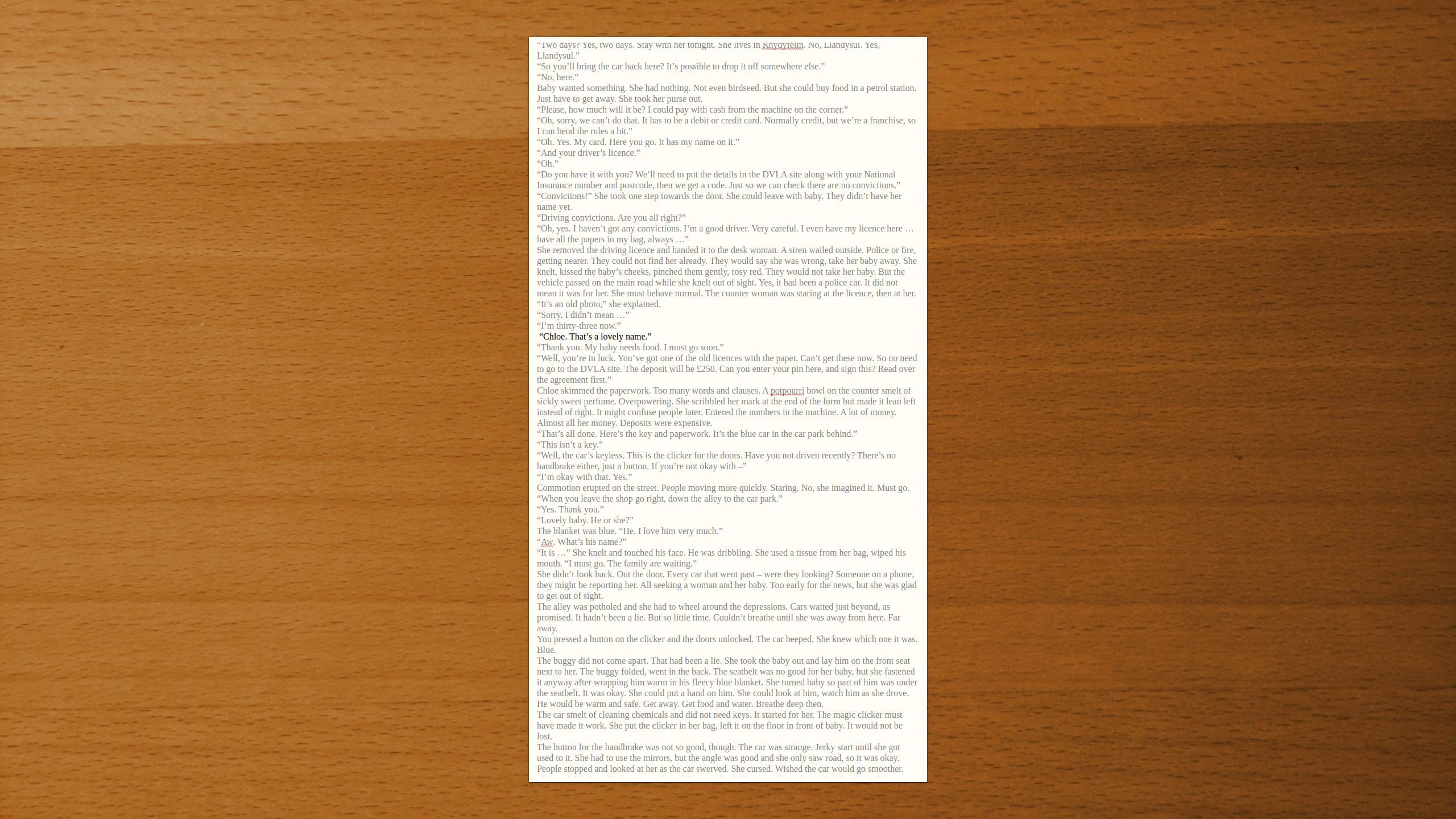
I once read Focus: A Simplicity Manifesto In The Age Of Distraction by Leo Babuta. There were lots of tips for cutting distractions from your life. I remember tidying the window ledge next to my PC so that it was not full of pots, paperclips, pads and pens.
One of the sections that interested me was about plain text, full-screen word processors. They strip things back to basics to give you a blank screen to focus on, without buttons, popups or a visible taskbar; even formatting options such as italics and bold are gone. Just bang out the words. Removing bloat can increase the power.
For a writer these tools make a viable alternative to using a full-featured word processor for first drafts, especially when you are starting from fresh on a new project. Over the years I have used Dark Room, Q10, and WriteMonkey, though they have all ceased, or become bloated with unnecessary features,
However, I have recently switched to FocusWriter for my first drafts. And it is lovely! So nice that I installed it on a very old laptop, which has no internet connection and is only used for writing first drafts of my novels. I set it up so that when I turn the laptop on it boots into FocusWriter and the last document I was working on, with the cursor at the point in the document where I last typed something. I’m ready to go!
(I jokingly refer to that laptop as Wordcruncher Turbo.)
FocusWriter is completely free, and available for Windows or my operating system of preference: Linux. There is even a portable version which doesn’t need installing, so can be run from a USB memory stick. I altered the preferences so it ghosts out the words, apart from the paragraph I am working on.
Keep reading with a 7-day free trial
Subscribe to WRITE: Craft & Critique to keep reading this post and get 7 days of free access to the full post archives.